 HRM Build
Brief
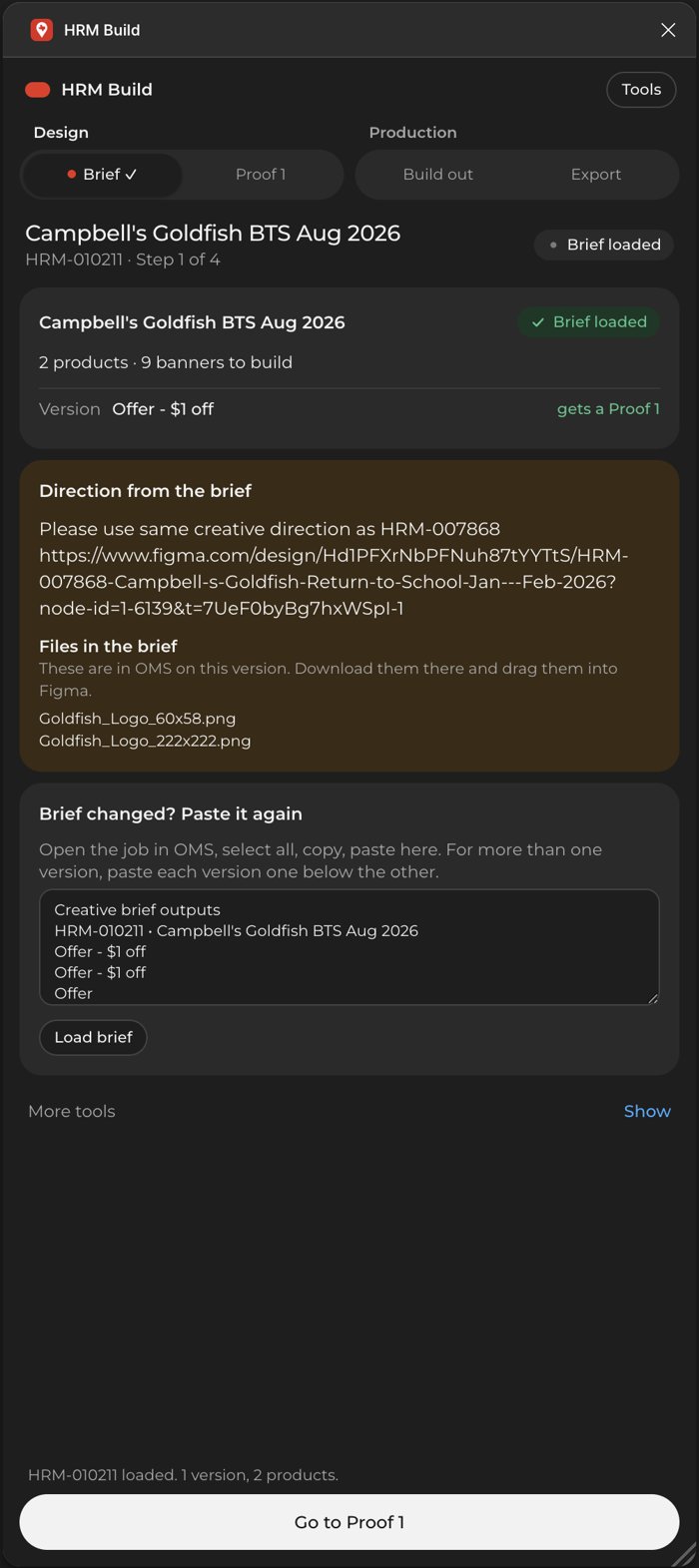
Bring the OMS brief in once. The copy, legal, products, sizes and versions come with it.
Load the brief
- Open the brief from the Workfront project's Link to brief.
- Click HRM copy all in Chrome, then Copy the N the plugin builds.
- In the plugin, paste and click Load brief.
- Check the versions and product count look right.
Brief link won't open? Open Salesforce first so it signs you in, then try the link again.
No bookmark?
In OMS, press Cmd A, Cmd C on each version tab, and paste them one below the other.
Read the direction first
The amber card is the creative notes from OMS, plus any files or earlier jobs the brief points to. Those files stay in OMS: download them and drag them into Figma.